What your community found today, and the news that matters to you.
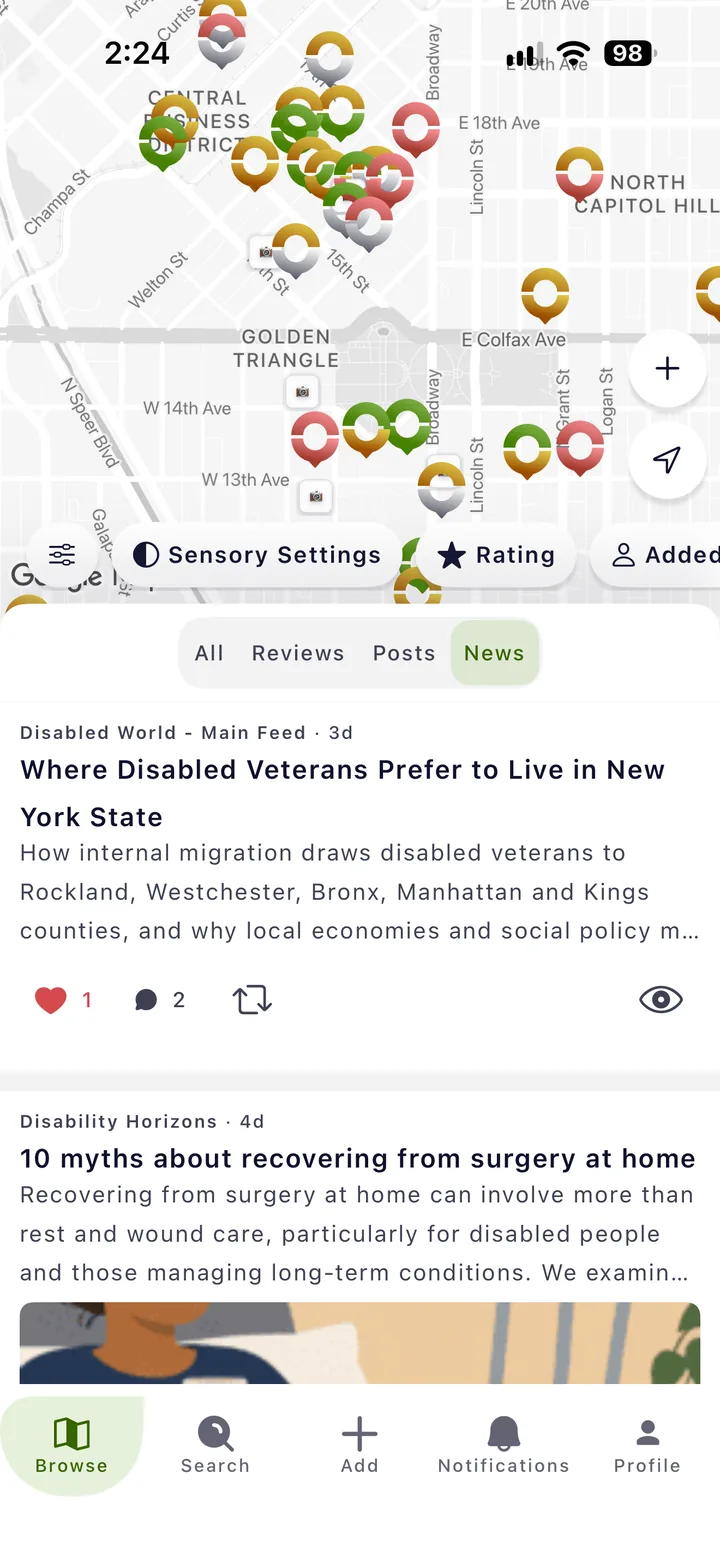
The feed brings together new reviews, posts and snapshots from the Roll community, plus disability and accessibility news, right under the map.

Who it is for
For anyone planning their week
For people who follow disability news
One place to keep up.
See what is new near you
New reviews and snapshots show you which places changed, before you head out.
Read the news in one place
Stories on travel, health, rights and daily life from disability news sources, without hunting across sites.
How it works
Three steps.
-
Open Browse
The feed sits under the map. Scroll down to read it.
-
Pick what you want to see
Show everything, or just reviews, posts or news.
- All
- Reviews
- Posts
- News
-
Join in
Like, comment and repost. Your replies help others decide where to go.
Proof
News from 38 sources.
The news tab draws on 38 disability and accessibility sources and refreshes every half hour.
More of Roll