Find the people who get it.
Join groups by topic or by place. Swap tips, plan outings, and push for change together.

Who it is for
For travelers
For advocates
Advice from someone who has been there.
Ask before you go
Ask your group about a city you plan to visit, and get tips from people who have been there.
Push for change
Map broken curb ramps and missing crossings together, and show your city where the gaps are.
How it works
Three steps.
-
Find a group
Search for a group, then tap Join. Anyone can join a public group.
-
Join the talk
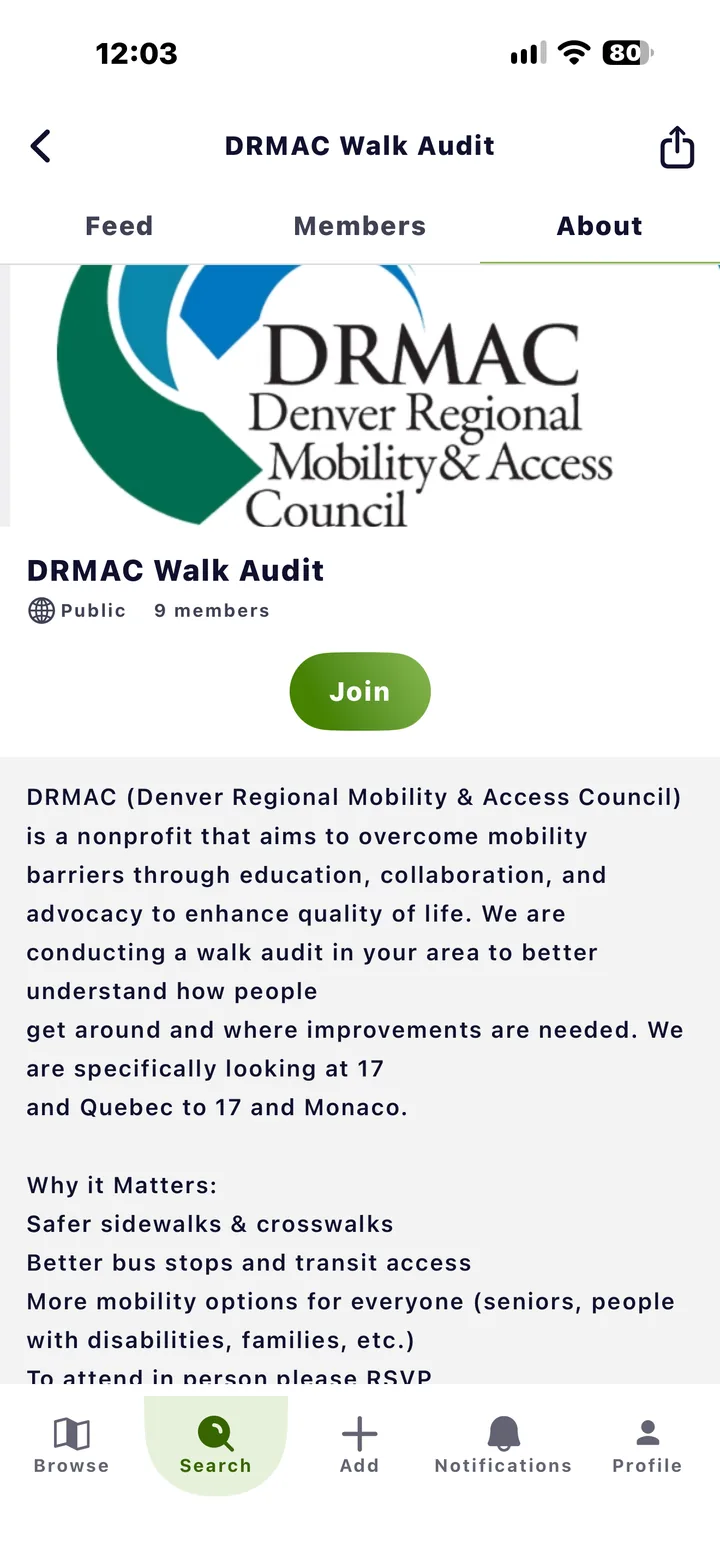
Post, comment and share. Each group has a feed, a member list and an About page.
- Feed
- Members
- About
-
Start your own
Make a group public or private, add a banner and an About page, and name moderators to help run it.
- Public
- Private
Proof
Groups that get things done.
Local groups use Roll to plan walk audits and show cities where sidewalks and crossings fall short.
More of Roll