Show what you found, right where you found it.
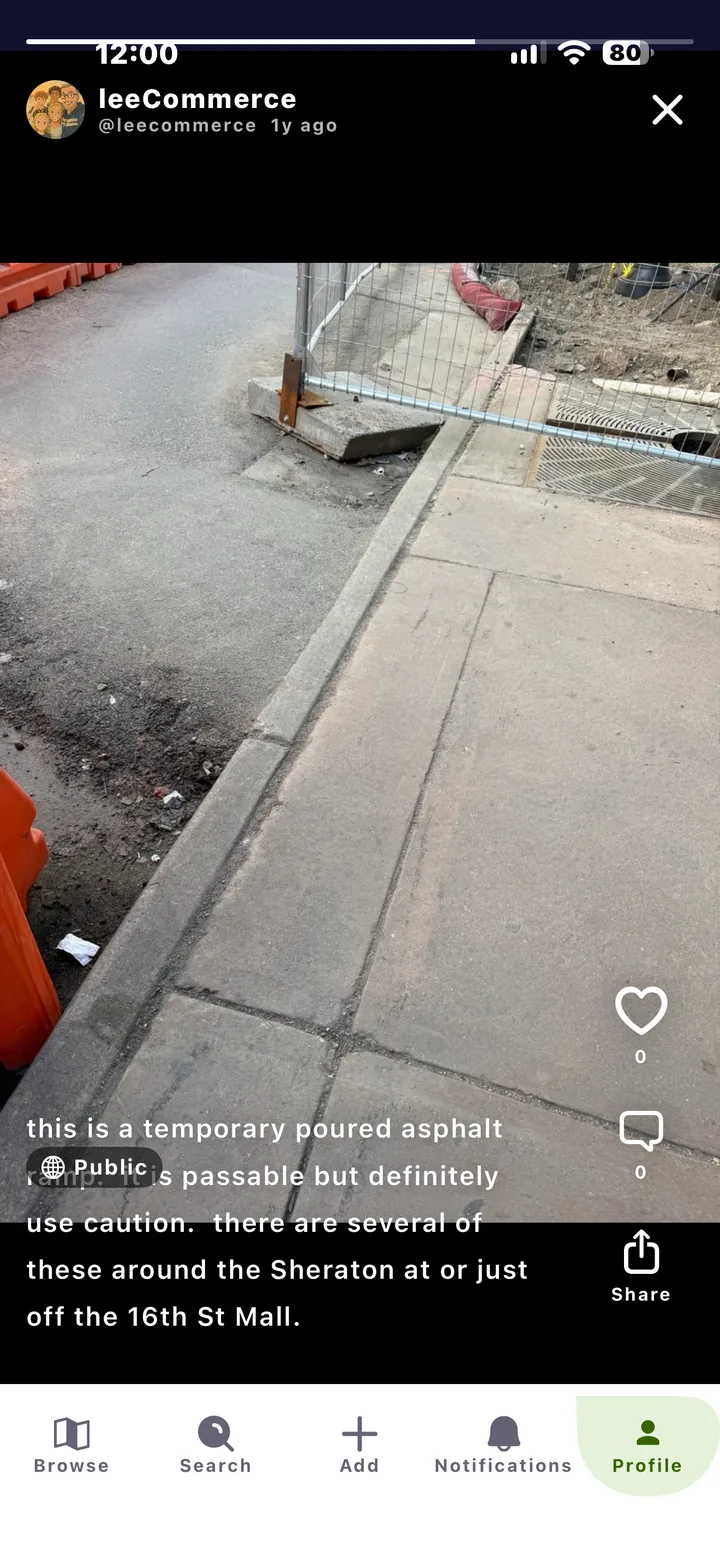
A broken lift. A new ramp. A detour around roadwork. Snap a photo, add a line, and it shows up on the map for the next person.

Who it is for
For transit riders
For parents
Things change. Posts keep up.
Warn others fast
Post a snapshot when a lift or elevator is out, and save the next person a wasted trip.
Share the good finds
Post a new accessible playground or a quiet café so other families can enjoy it too.
How it works
Three steps.
-
Tap Add
Choose a post or a snapshot. A snapshot is a quick photo tied to where you are.
-
Say what you saw
Add text, photos, video or a voice note. Keep it public or share it with a group.
- Text
- Photo
- Video
- Voice note
-
Others see it on the map
Snapshots show as camera pins on the map. People can like, comment and share.
Proof
News from the street, not a press release.
Posts come from people out in the world, so the map reflects today, not last year.
More of Roll